- In the RainTree Scheduler, select “IFSP” Appointment Type and enter in the appointment details.
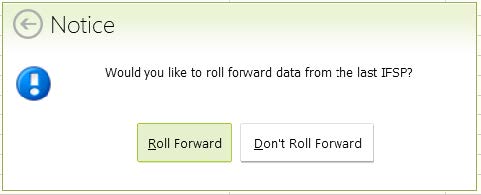
- Select Roll Forward:
Select Revision. All tabs will be selected, but only update tabs as needed and apply changes as reviewed with the family.
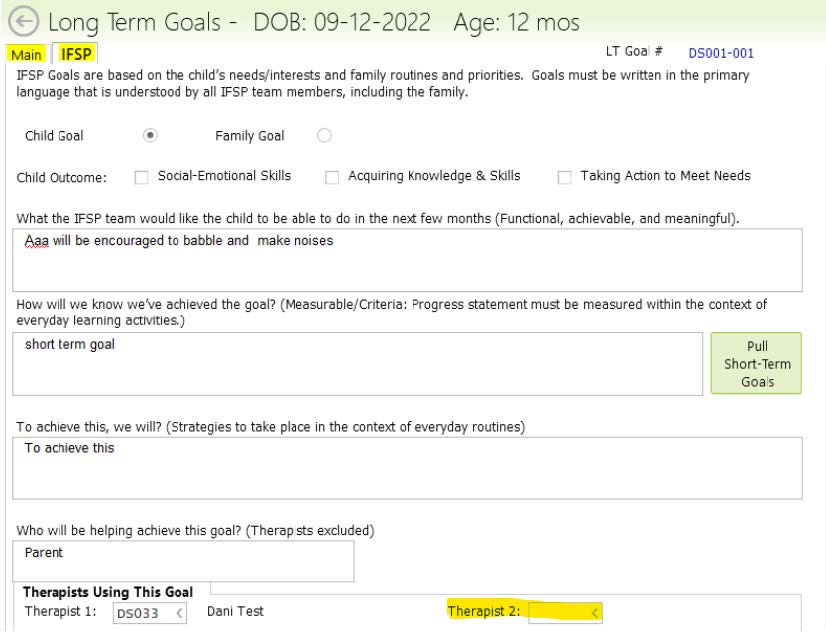
Updating Goals: When there is a need to change or update goals in the ‘IFSP Goals for Child’ tab. Note that all Long Term Goals are added through the IFSP. This is how providers get access to goals for their discipline specific POC. Additional therapists are added to appropriate goals as “Therapist Using This Goal” as Therapist 2
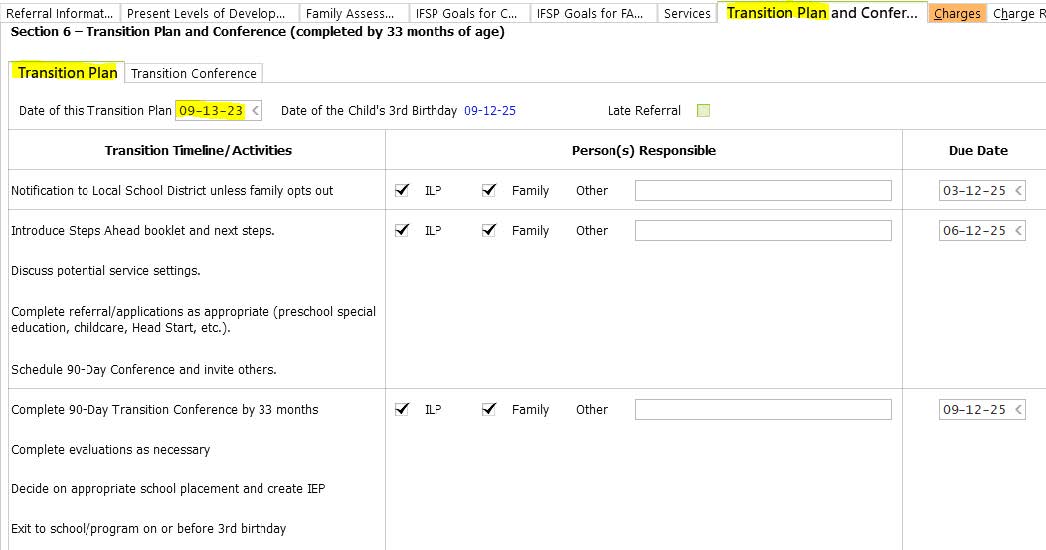
Transition Plan: Start by entering the Transition Plan Date in ‘Transition Plan and Conference’ tab. When the date of the plan is entered, all Due Dates will auto populate on this page. There is a separate tab for the Transition Conference: click on the Conference tab if this also was completed with the family.
Update the frequency of service: In the ‘Services’ tab, if a service has already been added to the IFSP remember to update the status to “Continued.” This is also where you would “Discontinue” a service.
Start Dates: for existing services, keep the same start date. For new services: if services are added at this update, enter the services that the family will receive from PIC in the ‘Services’ tab. Start dates are generally 30 days from the date of the IFSP for Primary Services. Secondary/consultation services and FSC are dated 2 months from the date of the IFSP.
- Discontinuation of Services: Services should be discontinued when a child has met their goals or when the service is no longer deemed relevant to their needs, or the parent declines the specific service. The provider should formally indicate that the service has been discontinued in the service summary tab.
- Parental Request to Discontinue Services: If a parent wishes to discontinue a service, the provider should acknowledge this request and mark the service as discontinued on the service summary.
- Continuation Recommendation: If the service is still recommended by the provider AND the child is enrolled in services, AND the parent’s request is to discontinue it, the provider should complete a “Decline Services Form” to document the recommendation and the parent’s decision. If the child is receiving community services for the declined service, then update the "Other" and a Decline Services Form is NOT needed.

- Charges tab: enter in the IFSP begin/Time in and end/Time out clock times for IFSP Development and/or Transition Conference if completed.
Diagnosis will automatically pull from your RainTree Case.
- Linked Records – Patient Form set: If you already created and sent the IFSP Packet to the parent, click on the (Empty) bar and add them to this IFSP. If you haven’t sent this, use the Empty bar to add a IFSP Signature Packet, then save it so that it Links to this IFPS:

- When all information is entered in, link the IFSP Signature Packet and F10 to save and sign off the IFSP.
- The last step that is separate from the IFSP, is to create a Plan of Care for the primary physician – all goals you create in the IFSP will appear in your POC. Create and sign off the POC.
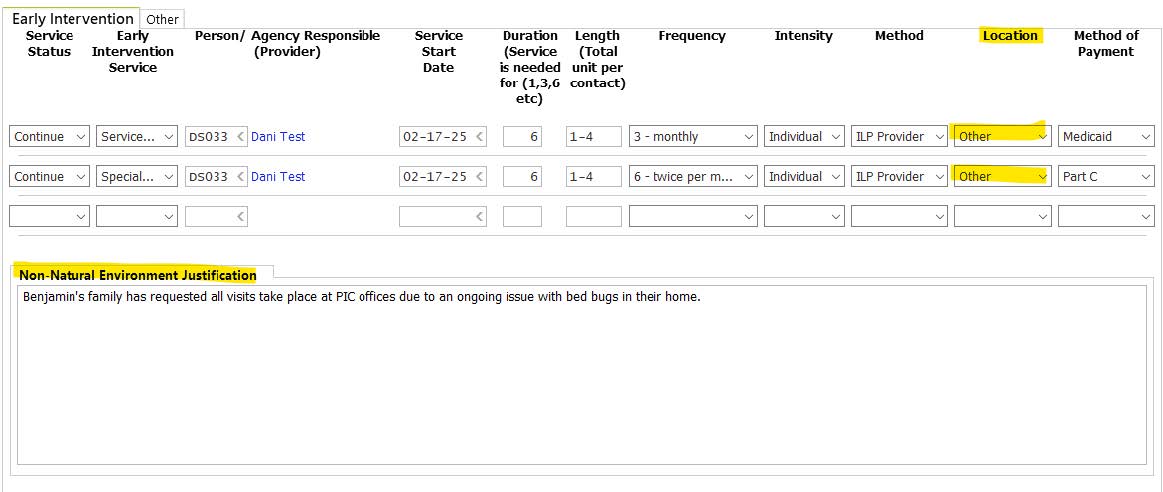
Location: This is the planned location for the majority of the visits. Natural Environments include Home and Community. Home includes caregiver homes. Community includes: Childcare, the Dome, the library, parks, etc. Non-Natural Environments include: the PIC office and visits at another medical provider's office.
Note: Selecting a non-natural environment is usually rare, however there is a section in the IFSP that is required when ‘Other’ is selected as the Location for services. Non-Natural Environment Location Justification: Note why the child is receiving services in a non-natural environment.